Computer Chronology#
1999: NoName 486DX4#
| spec | value |
|---|---|
| Storage | 40 Mb |
| RAM | 4 Mb |
| CPU | 40 MHz |
| Screen | 640x350 |
| Price | $100 |
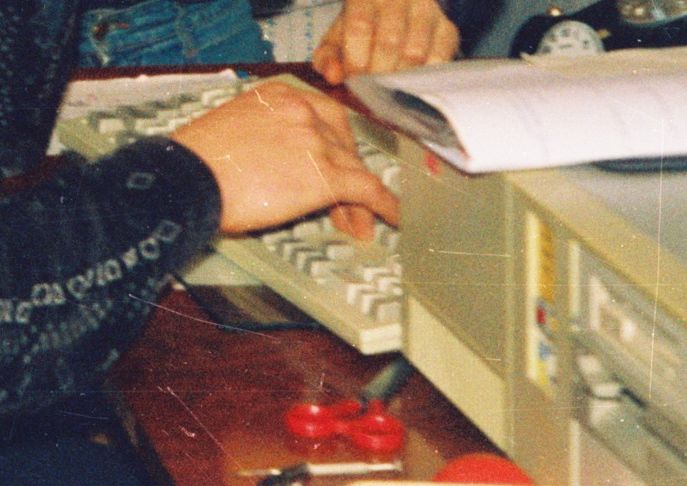
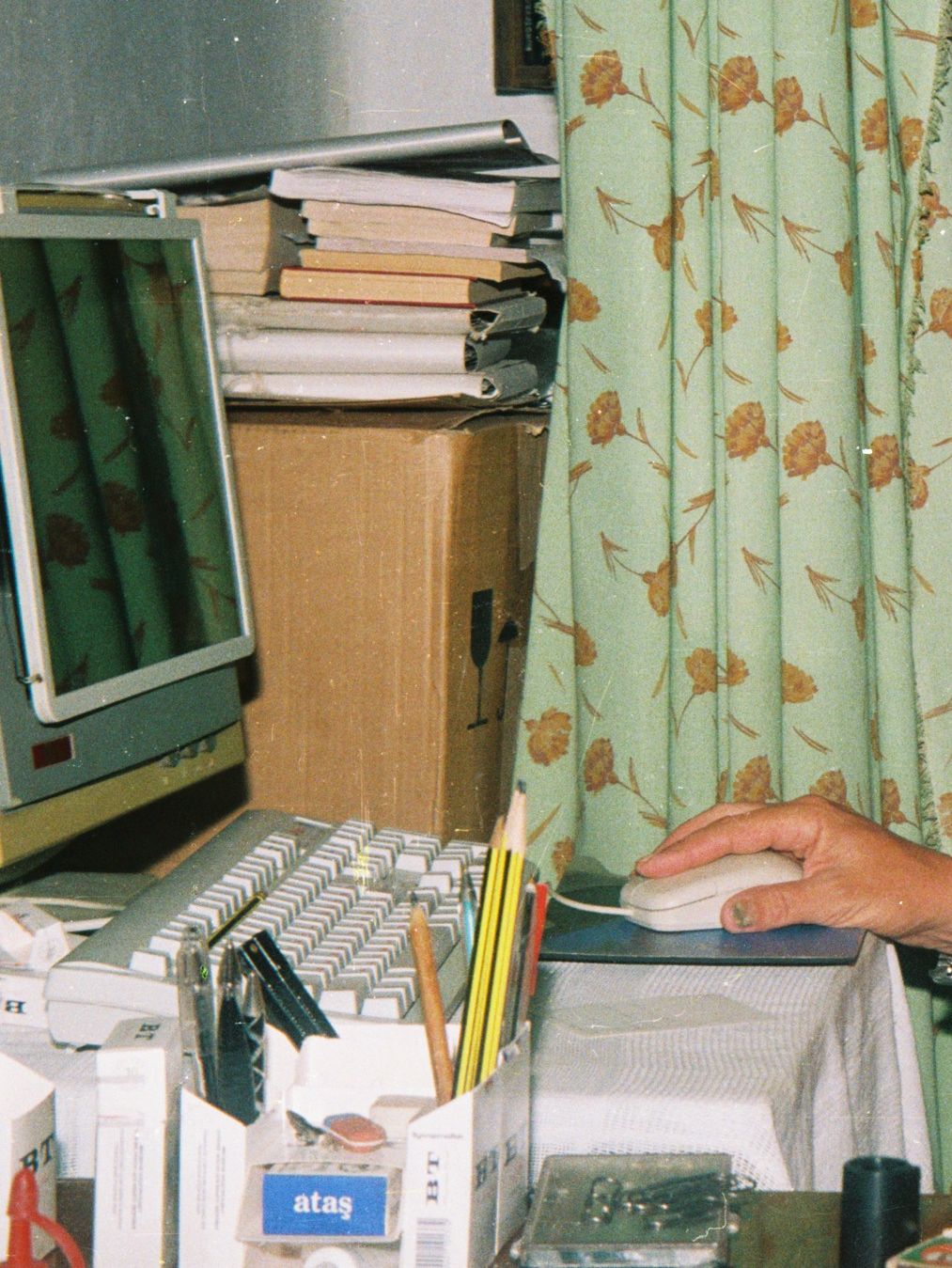
My first personal computer appeared in 1999. The first digital camera would only show up about five years later, and for now all photos were analogue, expensive — so the computer only made it into photos entirely by accident.
Dad’s friend, Uncle Lyosha, sold us his machine for a hundred bucks with a money-back guarantee, knowing that mom was against it.
It was one of those old-school metal horizontal boxes — an AT — where the power button was a purely hardware switch that cut the power to the device rather than sending a shutdown signal the way ATX does.
For a modest sum (though quite significant for the family at the time) we got:
- a motherboard with an almost bare-bones “486” at 40 MHz — but with a math coprocessor
- 4 SIMM RAM sticks, 1 MB each
- a 5.25" drive (something like 720 KB)
- a keyboard (DIN) and mouse (COM)
- an EGA monitor — 640x350, 16 colours
Gradually, more things were added to the original setup (not necessarily in this order):
HDD 2 Gb#
One of the first upgrades was buying a “big” hard drive — a whopping 2 gigabytes! It was a second-hand Seagate from a newspaper ad (a paper newspaper), and the seller honestly warned that the disk had bad sectors — which is why it was cheap (no idea how much exactly). Despite that, it worked practically without issues — the bad sectors didn’t multiply; it just occasionally refused to spin up when the computer was turned on, so you had to shake it, tap it, or toggle the power a few times…
VGA Monitor + Video Card#
The most urgent upgrade was, of course, the monitor. 16 eye-searing colours, a resolution lower than today’s (it’s 2025 after all) wristwatch, and the feeling that sitting in front of it for an hour was the equivalent of a Chernobyl radiation dose — despite the protective screen filter. So Dad scrounged up some capacitors with rare-earth materials somewhere, sold them to a local dealer, and with the 40 dollars I got I went to the neighbouring town where, with the moral and physical support of an older student friend, I bought a yellowed old 14-inch VGA monitor from someone off the street. I bought an SVGA card somewhere — a whole 512 KB of video memory.
3.5" Drive#
Progress marched on and 5.25" floppies were already out of fashion even back then. So somehow we got hold of a 3.5-inch drive. I think I also upgraded the 5.25" drive from 720 KB to 1.44 MB.
RAM 7 Mb#
The machine had 4 slots for 30-pin RAM sticks and two for 72-pin ones. I bought a 72-pin 4 MB stick — doubling the total RAM! But for some reason only 3 of those megabytes were detected, no matter how I rearranged everything, so the total came to 7 MB. How many times I tried to install Windows 95 on those megabytes — and every single time it failed…
Sound Blaster#
One of the coolest devices and upgrades was a Sound Blaster sound card I bought from a friend (for 10 or 15 bucks). ISA slot, a massive board — I plugged a passive speaker directly into it and it screamed at full volume!
CD-ROM 8x#
From another friend we bought a worn-out CD drive — and that’s when I remembered: how did I listen to music in the pre-Windows, pre-Winamp era? From audio CDs, dammit, borrowed from acquaintances.
DX4-100#
Through some long-forgotten scheme I managed to “upgrade” the motherboard and CPU — someone was buying something new and I slipped them my old one (I think it was even a Pentium), intercepting whatever the other guy had. This new board could take more RAM, and that’s probably where Windows started.
2002: AMD Duron 750#
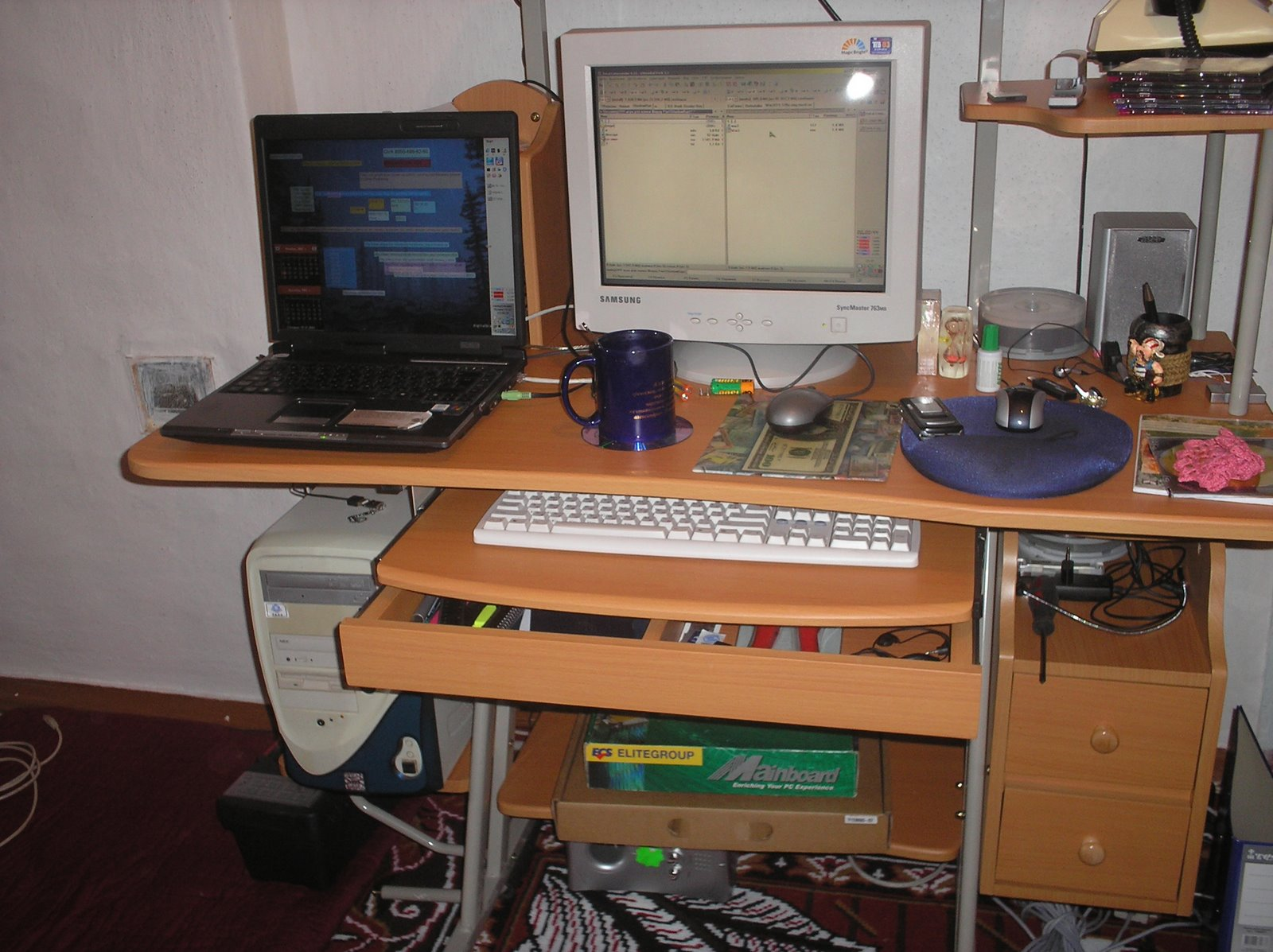
Even the upgraded 486 wasn’t enough for studying, but hardware was becoming more and more affordable — and the next computer was a completely new set: case + motherboard + RAM, an AMD Duron at 750 MHz, some cheapest-possible ATX tower, and however much RAM.
No photos found yet.
A photo did turn up from the time the Duron had already been passed down to my parents, though before Linux was installed on it — 2007.
GeForce 32 MB Video Card#
Second-hand with a 32/32/32 spec, but in an AGP slot!
SVGA Monitor#
Taking out a consumer loan in a relative’s name, I “bought” myself a large, colour, brand-new SAMTRON CRT monitor — a whole 15 inches and I think 1024×768 pixels with 32-bit colour.
2004: ASUS 14" Laptop#
| spec | value |
|---|---|
| Storage | 40 Gb |
| RAM | 2 Gb |
| CPU | 2 GHz |
| Screen | 1024x768 |
| Price | ? ~4000 uah |
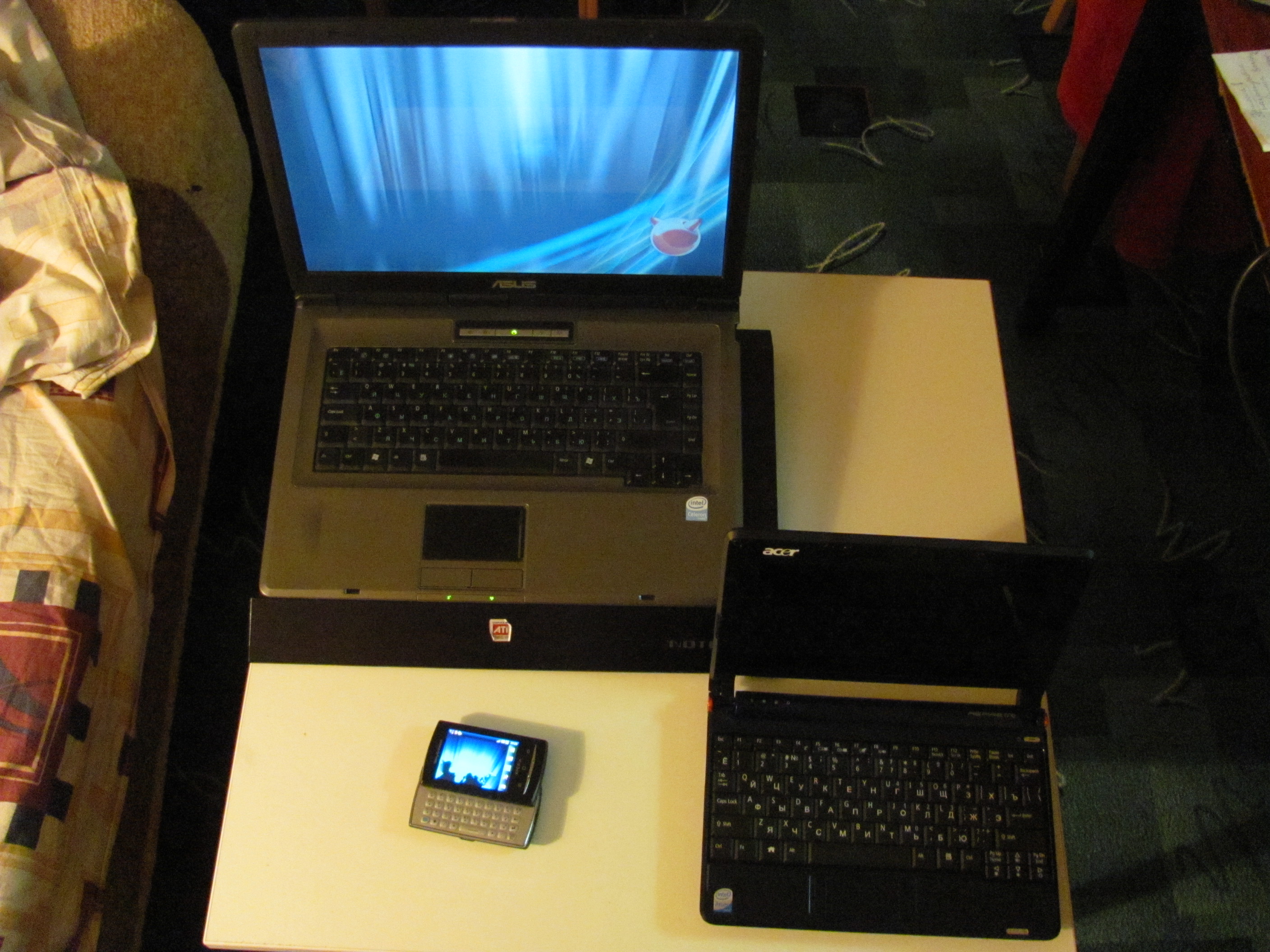
The first laptop weighed about three kilograms and had 1 or 2 GB of RAM.
2005: ASUS 17" Laptop#
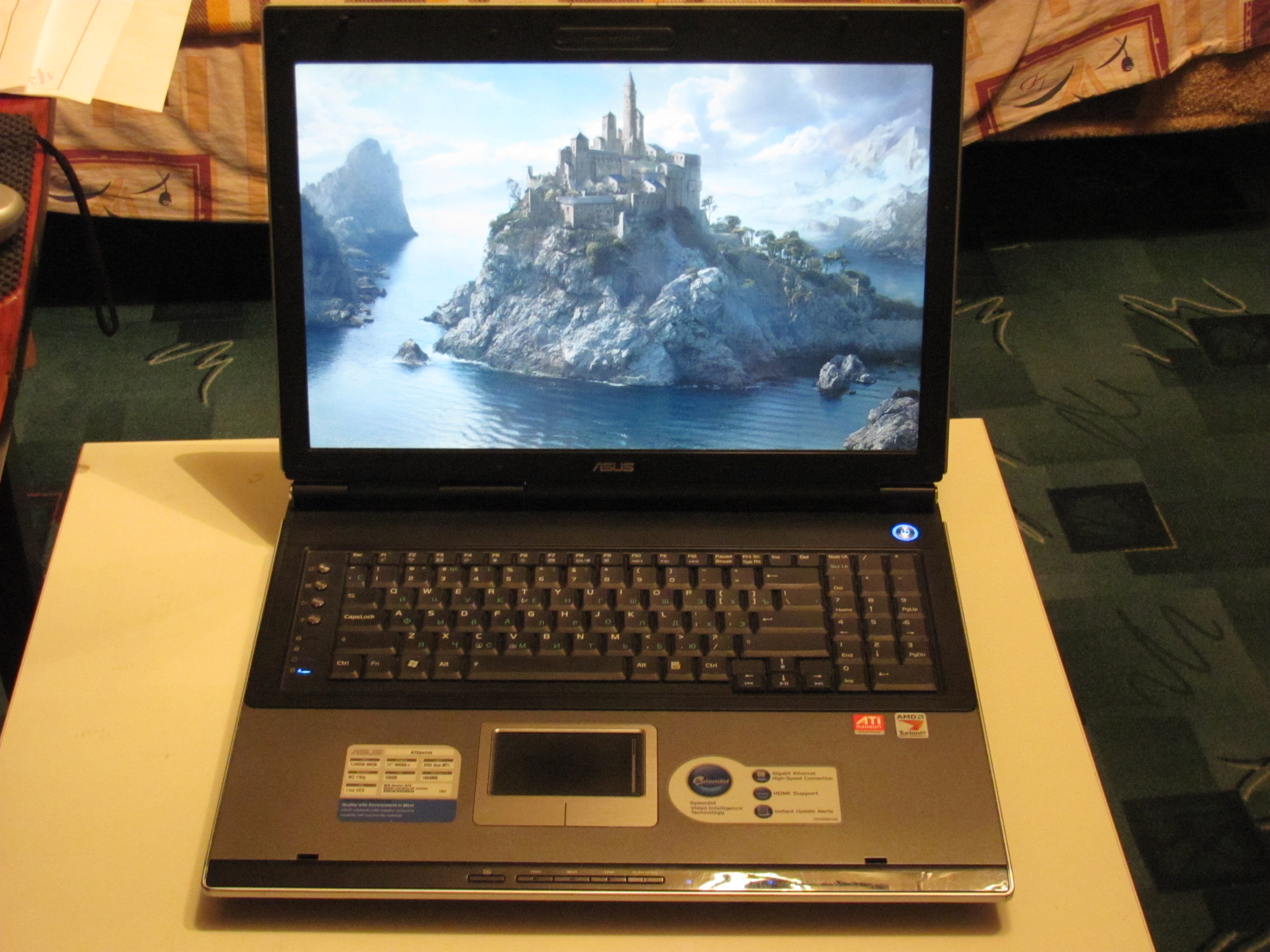
A 17-inch laptop stayed with me for a very short time — I bought it second-hand for a reasonable sum but almost immediately either sold it or returned it to the seller. It just didn’t work for me: huge, heavy, hot.
2009: ASUS 14" Laptop Again#
Time came to upgrade, and selling my old laptop I swapped it for almost the same thing — just newer and more powerful. I think it already had something like 4 GB of RAM and a hard drive of 60 GB or more.
2014: Acer eeePC#
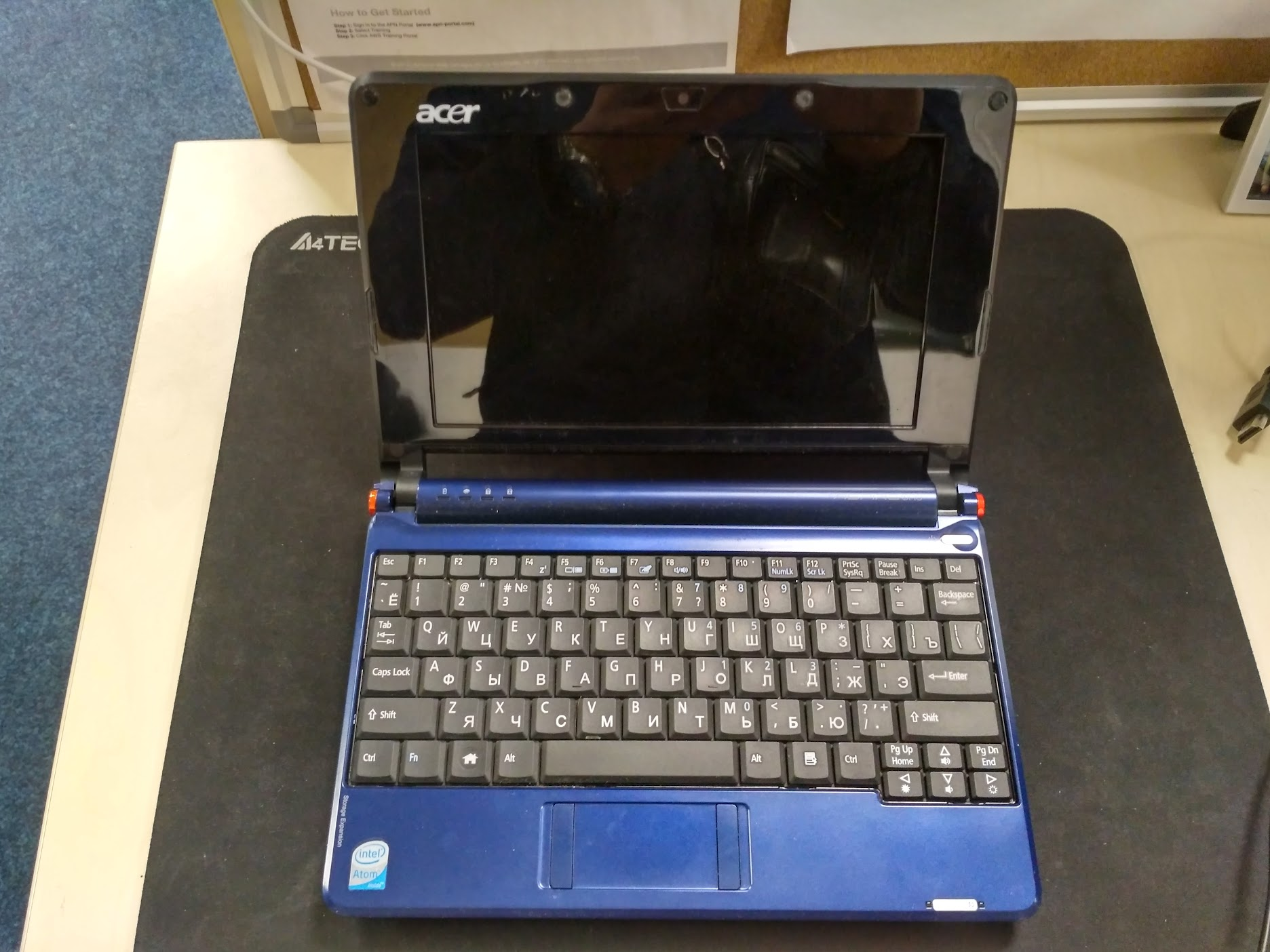
For some reason I bought a netbook. Read about them and got one. By that point they’d already stopped making them, because — unlike me — most people had figured out that nobody needed netbooks. So I bought a used one with a worn-out battery.
2016: Macbook Pro 2014 13"#
| spec | value |
|---|---|
| Storage | 1 Tb |
| RAM | 16 Gb |
| CPU | 3 GHz |
| Screen | 2560x1600 |
| Price | ? 16000 UAH |
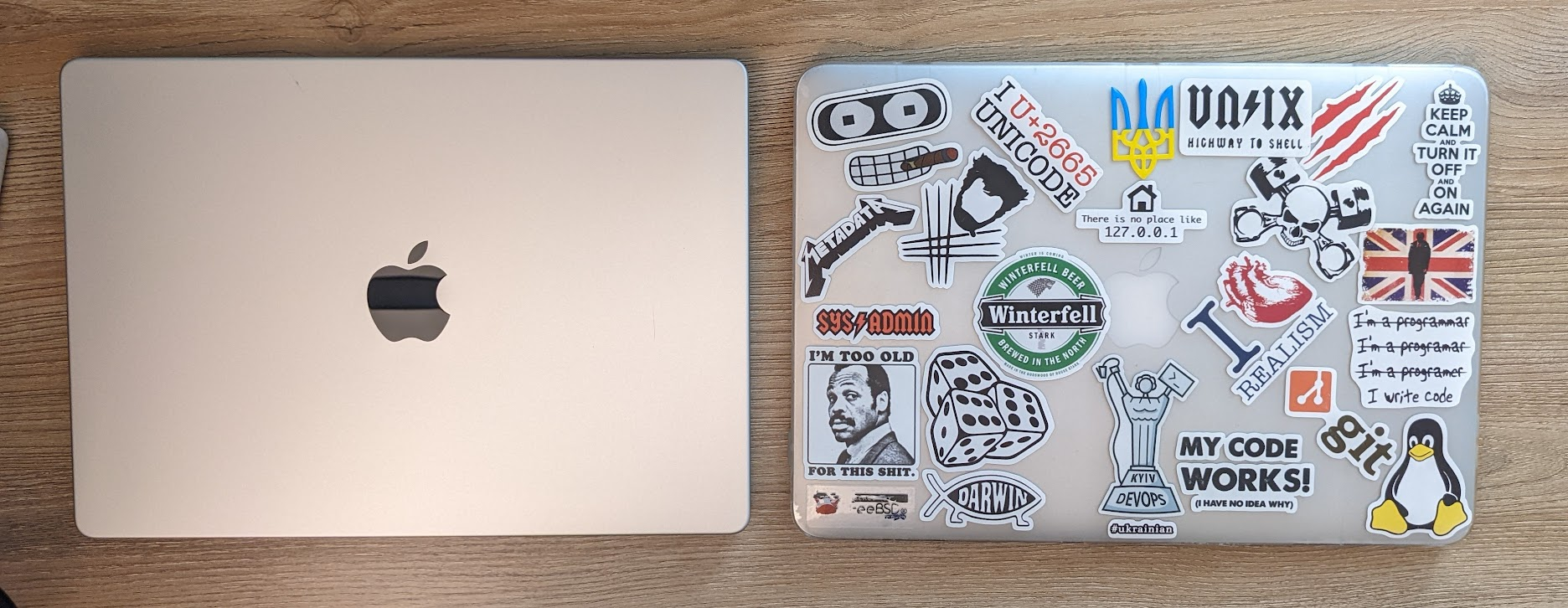
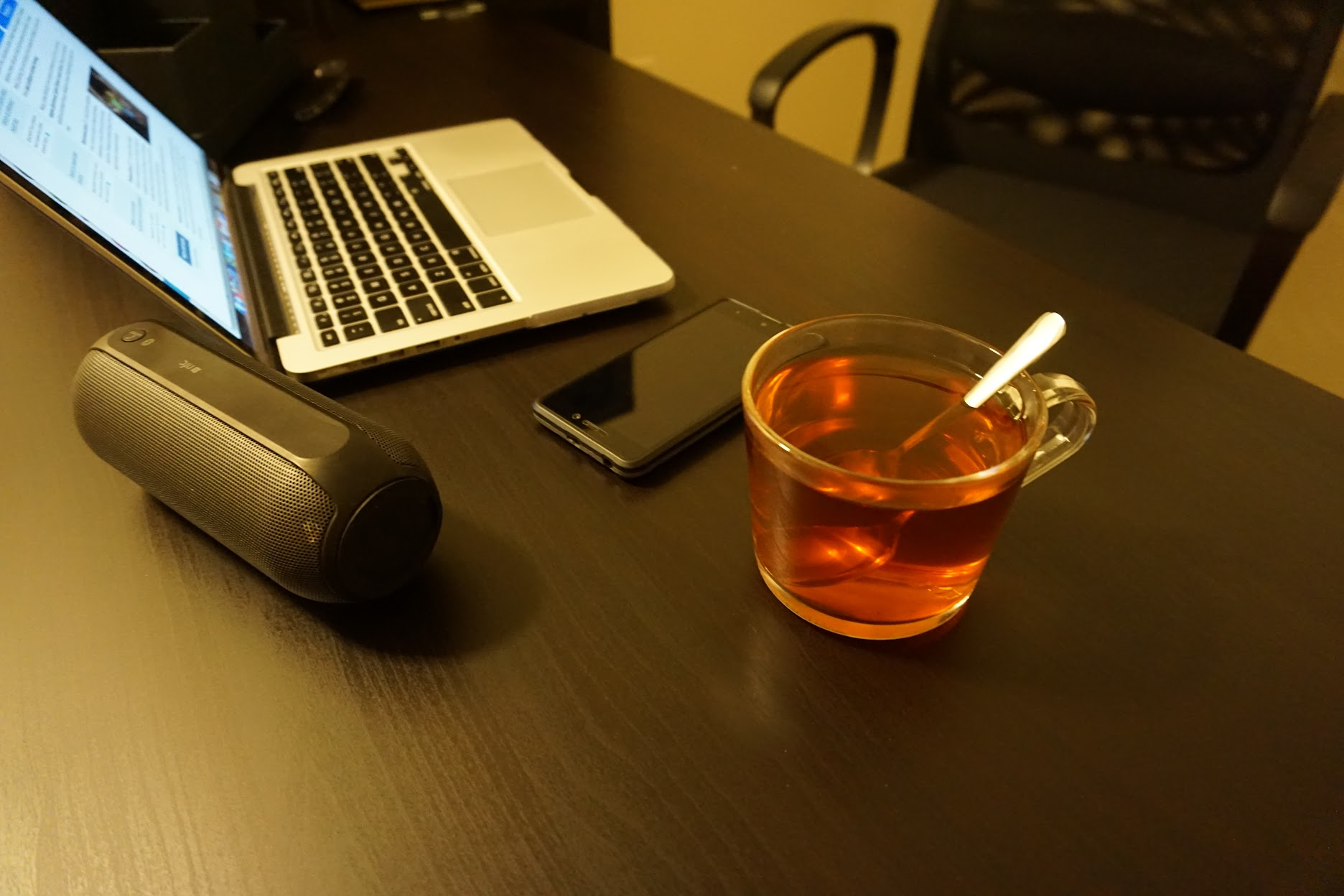
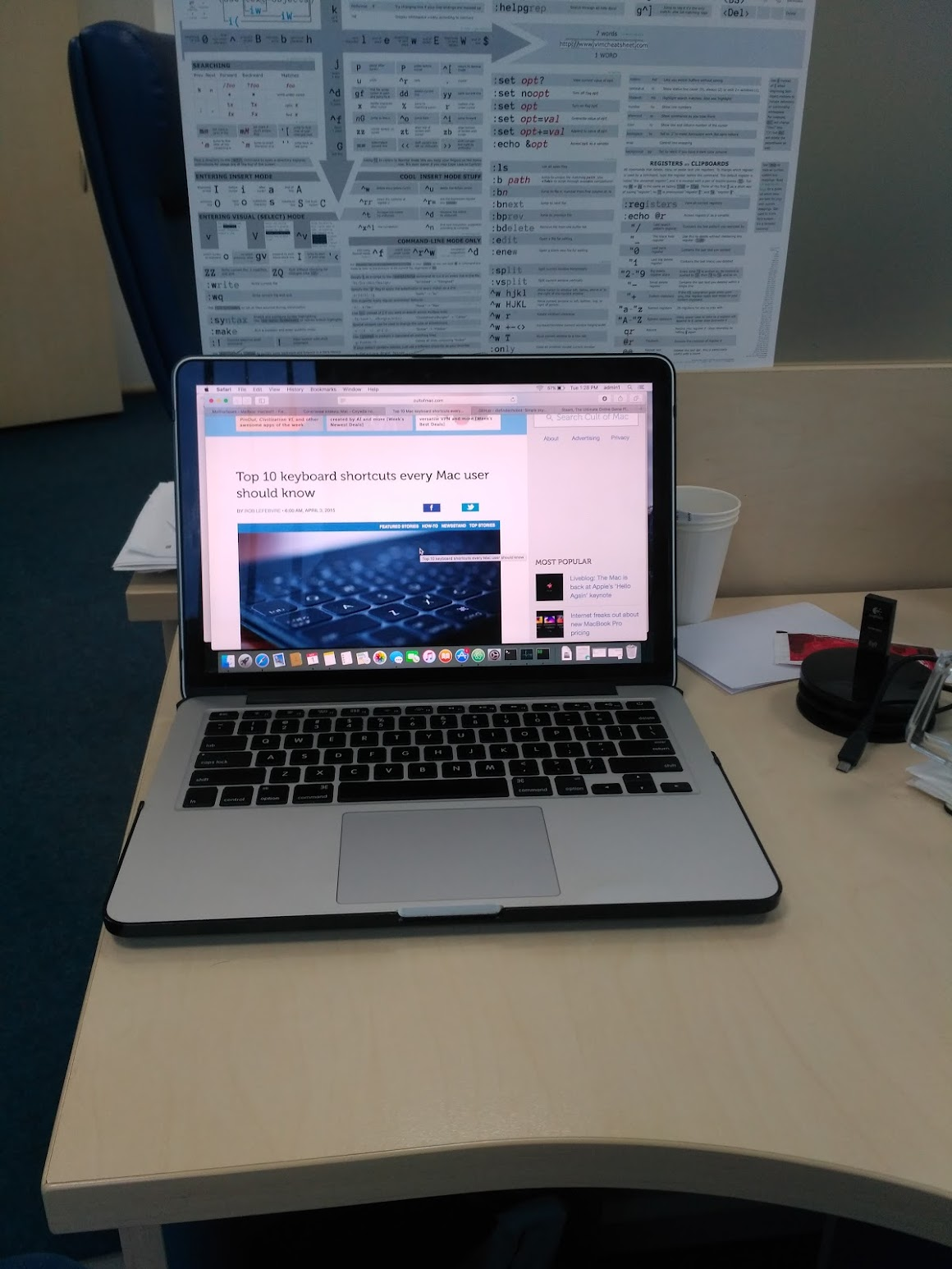
A colleague bought a MacBook and said it was worth every cent spent. At the time I wasn’t ready to spend thousands of dollars on a computer, so I found another colleague’s used MacBook from a few years back in maximum configuration — Intel Core i5, 16 GB RAM, 1 TB SSD, Retina display. The machine was a beast and served faithfully for many years. Needless to say, nothing was upgraded in this laptop except the thermal paste.
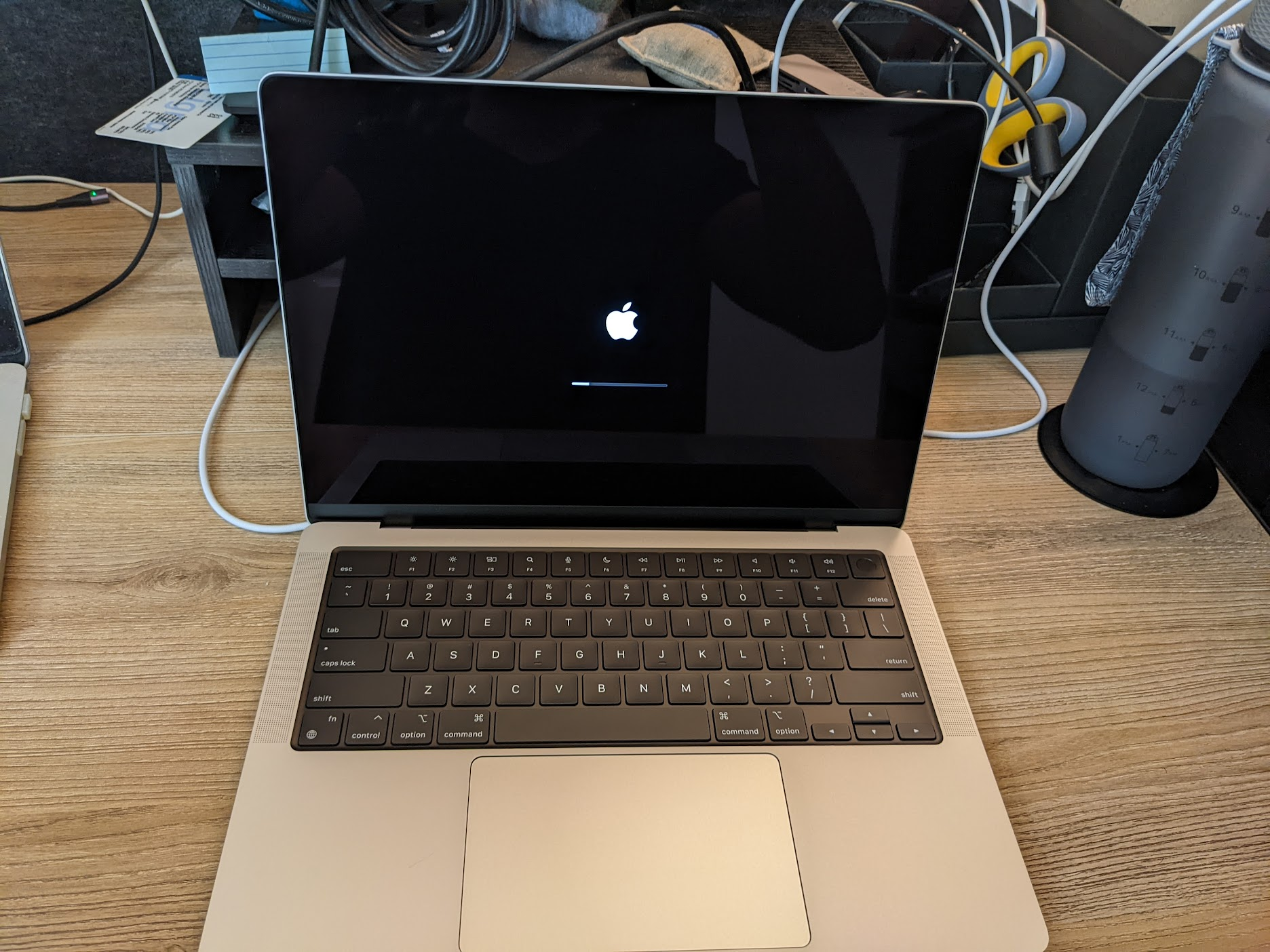
2022: Macbook Pro 2021 M1 14"#
| spec | value |
|---|---|
| Storage | 2 Tb |
| RAM | 64 Gb |
| CPU | ?? GHz, 10 cores |
| Screen | 3024 × 1964 |
| Price | $4000 |