Have you met Tardis?#
A blue kitchen cabinet, whose primary purpose is to house 3D printers and associated junk.
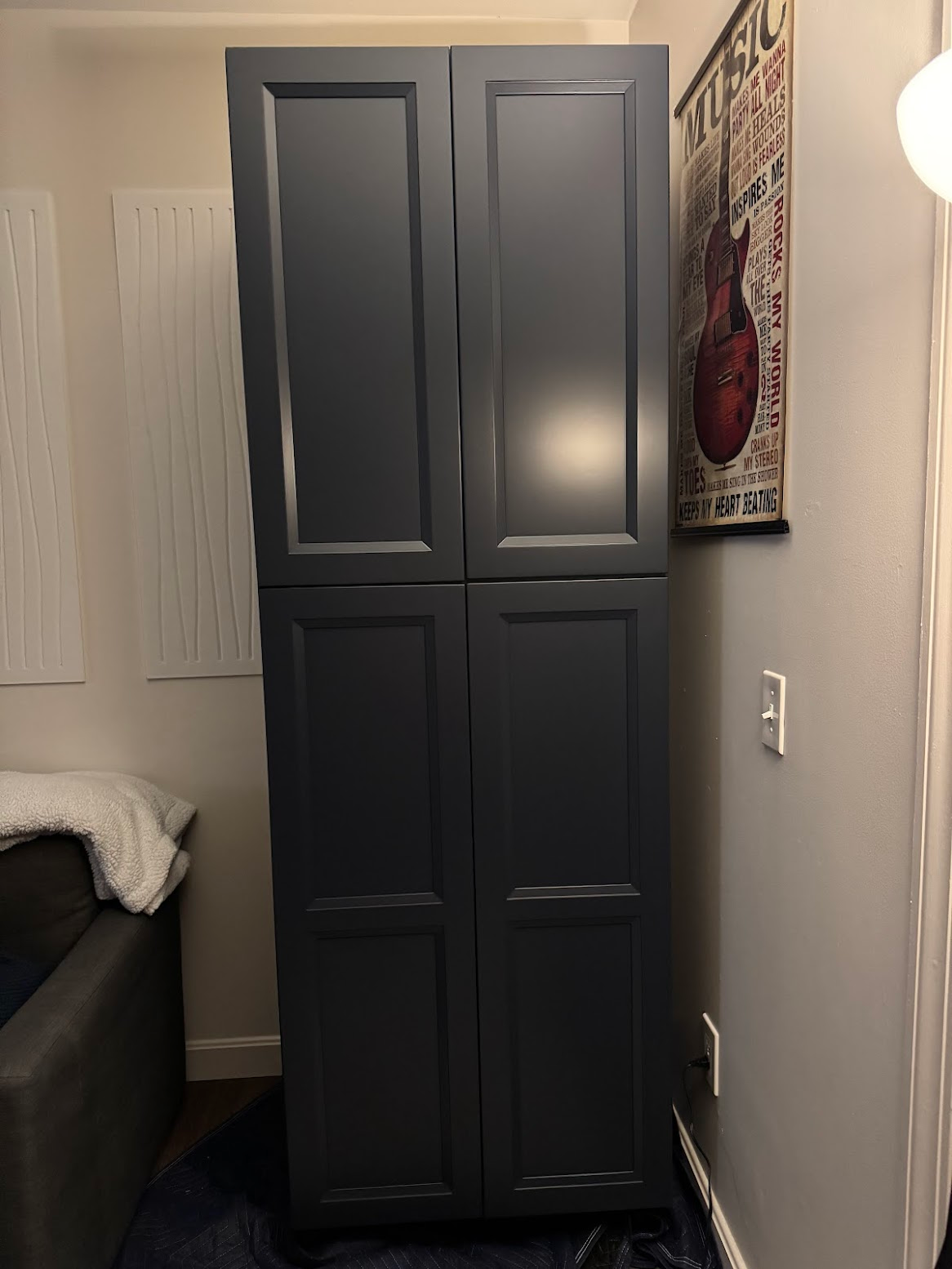
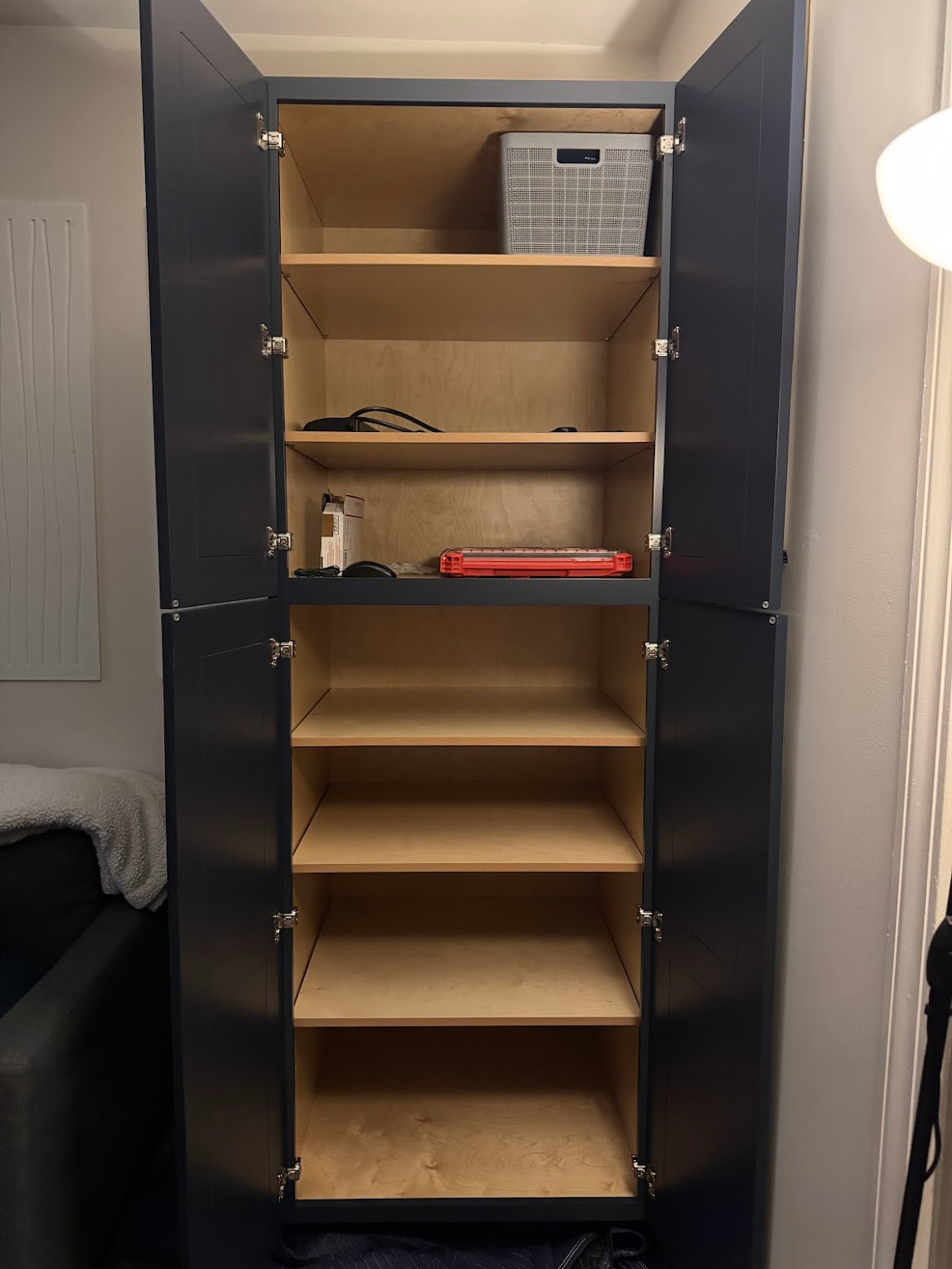
Plan#
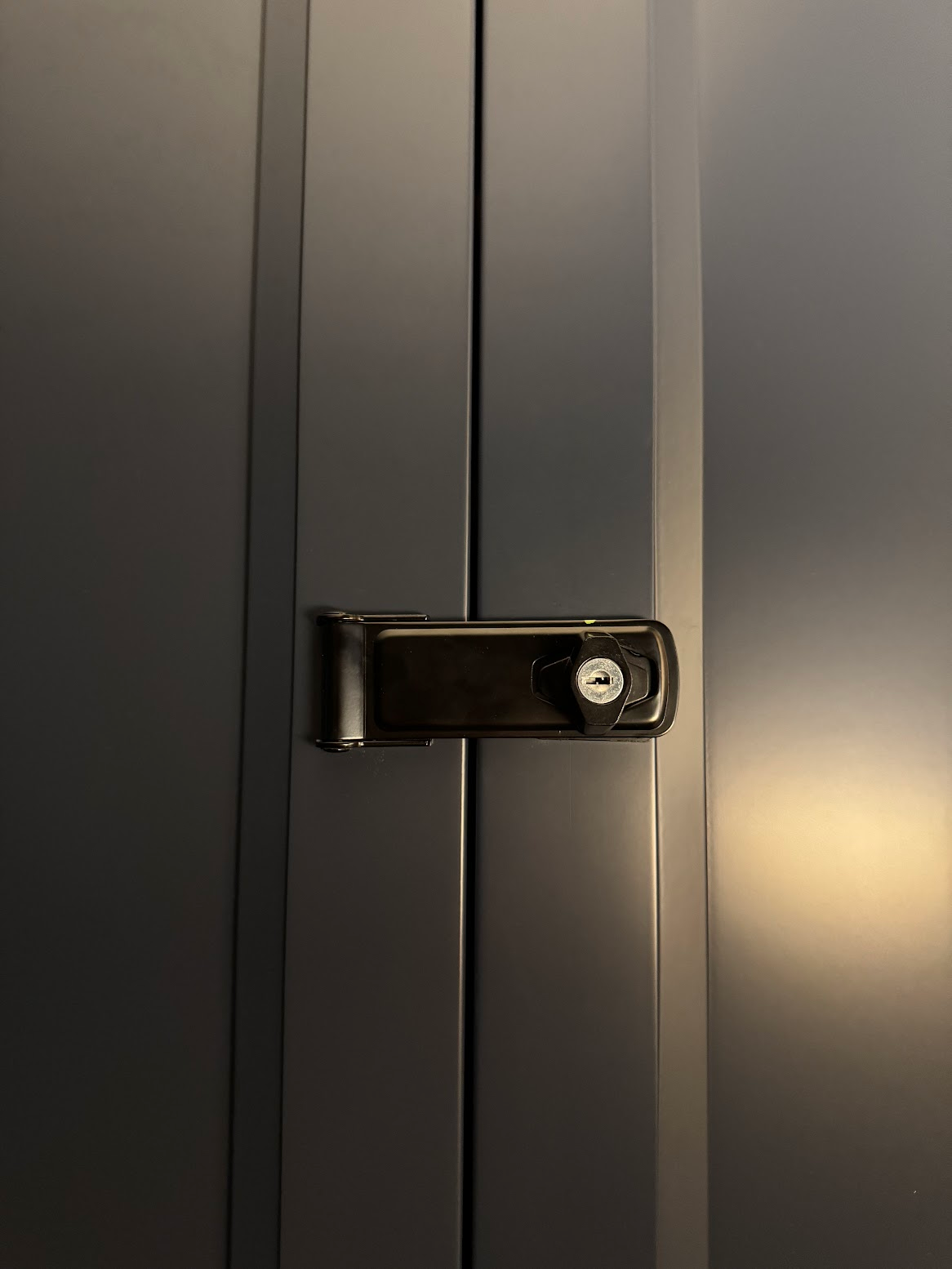
- door locks
- slabs for printers
- one for Calculon
- another for Eva
- [/] vinyl sound insulation
- [/] rear and side walls at the bottom
- rear and side walls at the top
- bottom doors
- top doors?
- [/] foam seal insulation
- [/] electrification
- extra set of outlets inside?
- [/] chargers for
- phone
- tablet
- laptop
- [/] placing printers
- ventilation (forced, ducted?)
- dynamic fan control
- kill-switch for the printer via smart plug
- placing servers
- shelf pull-out stoppers
- design
- [/] grommets for cable holes, 2 pcs
- [/] design
- installation
- bottom shelf
- [/] bricks
- paint
- dry
- install
Progress#
Door Locks#
Slab for Calculon#
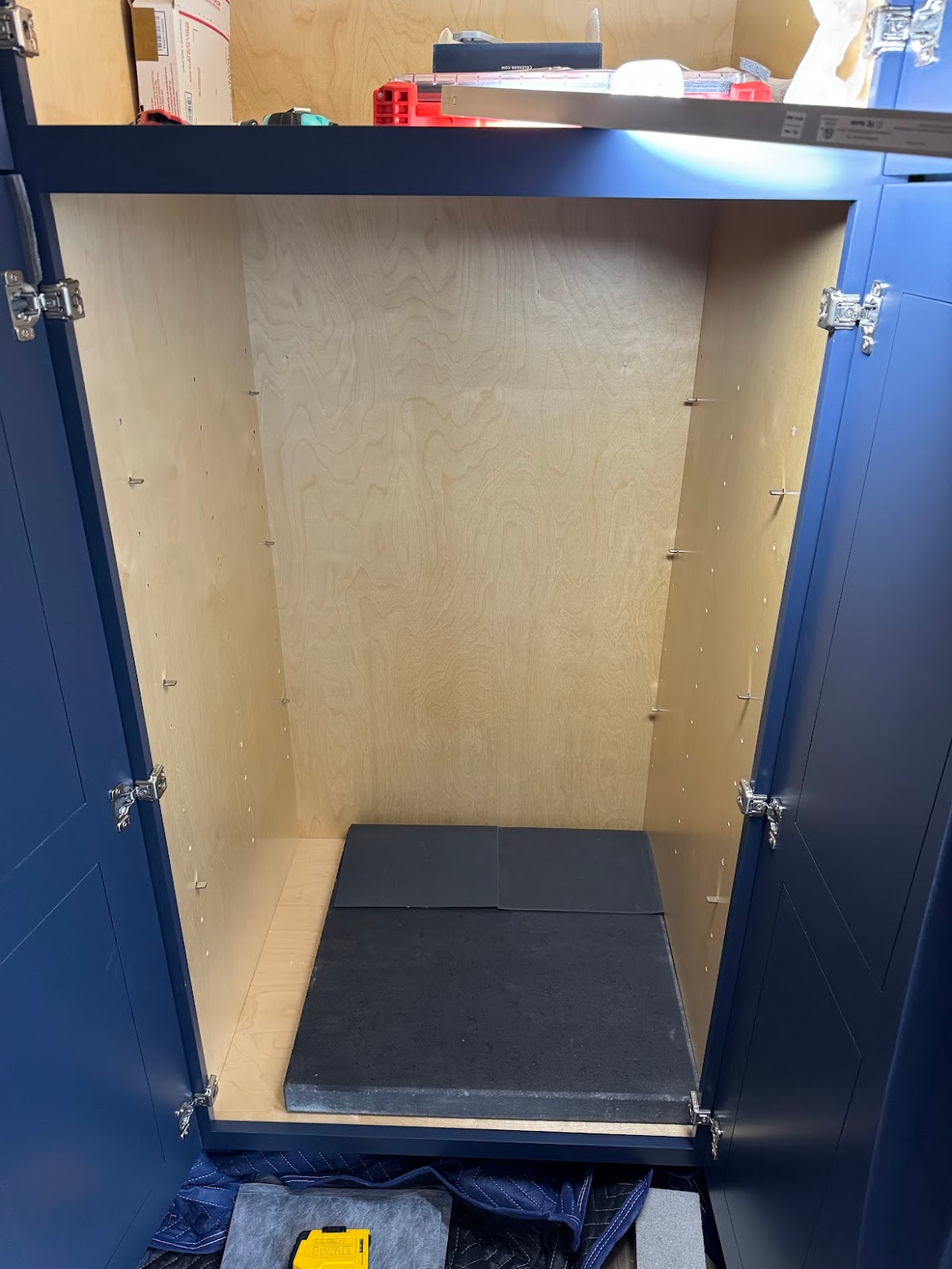
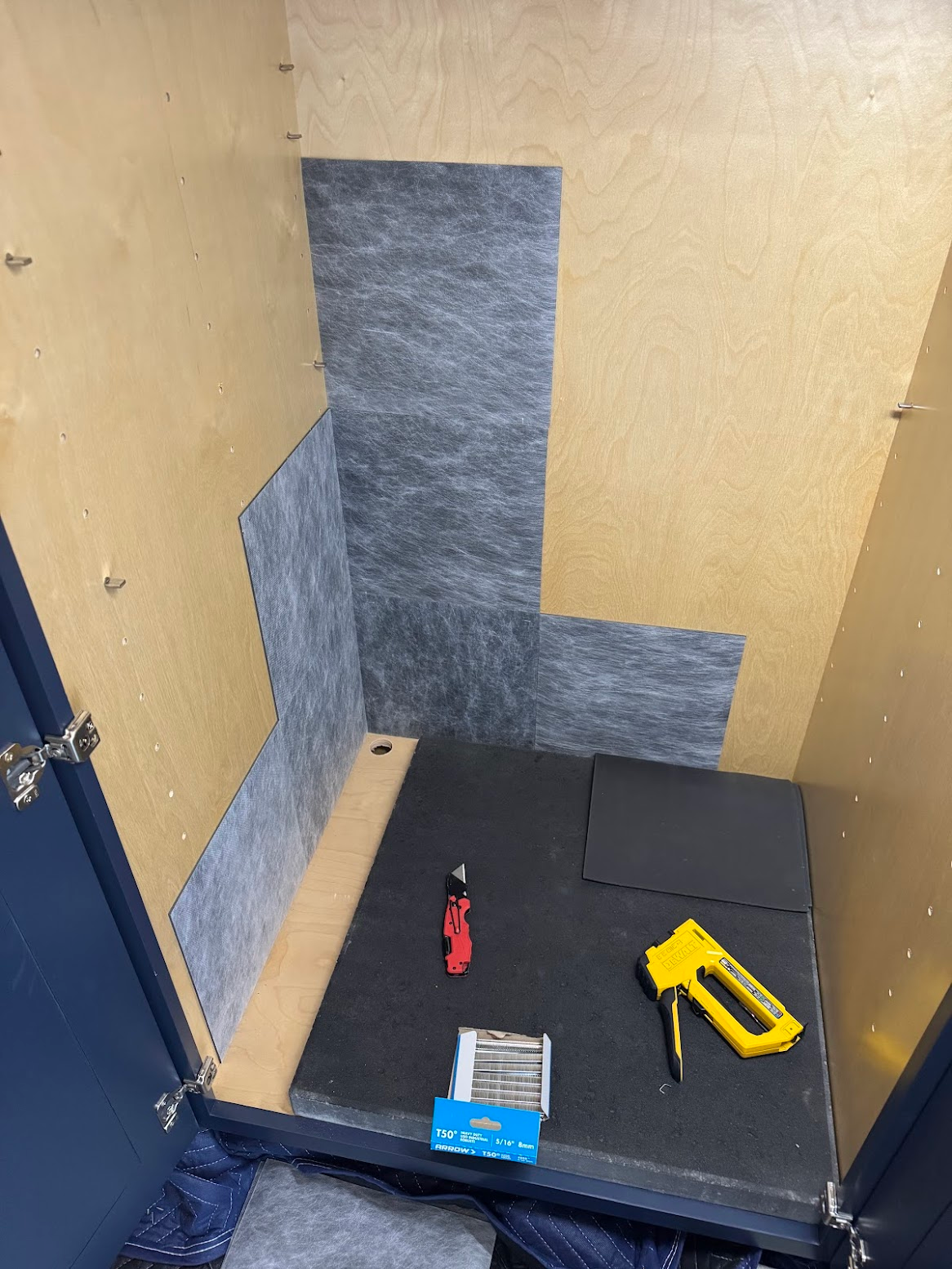
Vinyl Sound Insulation#
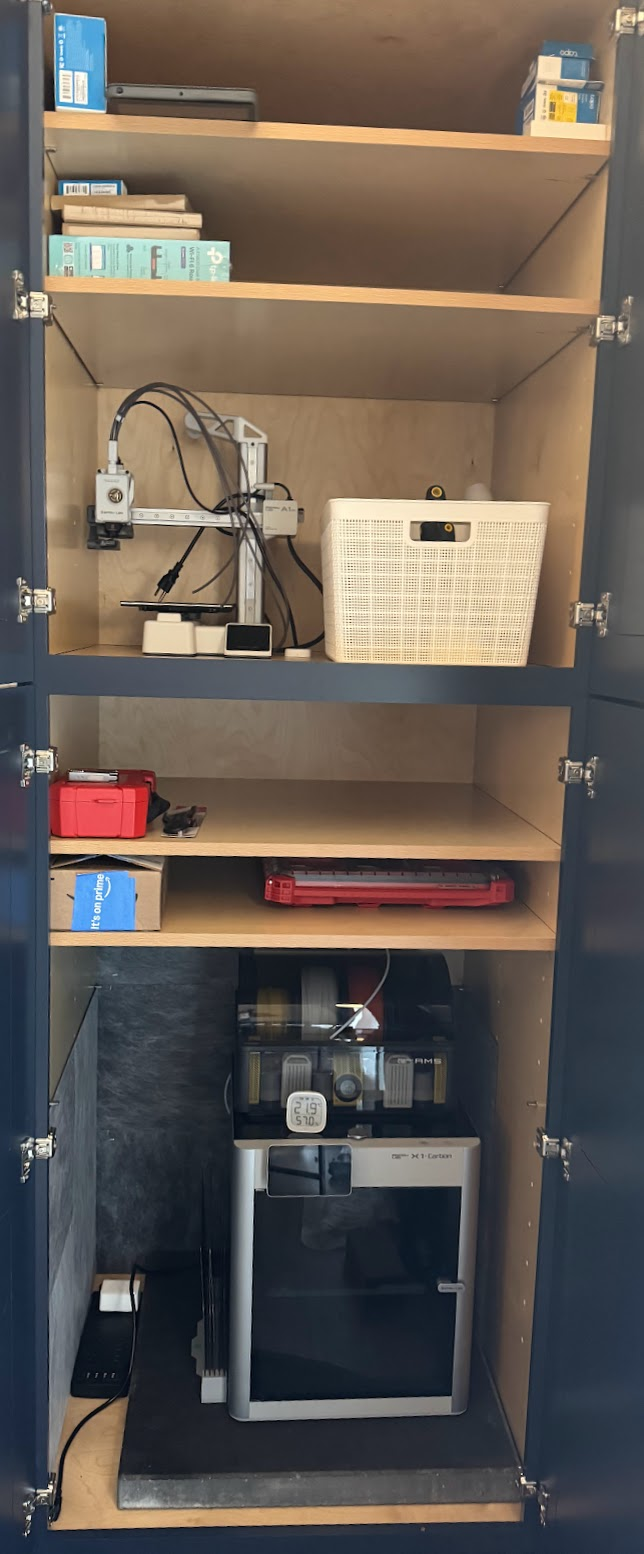
Printers in Place#
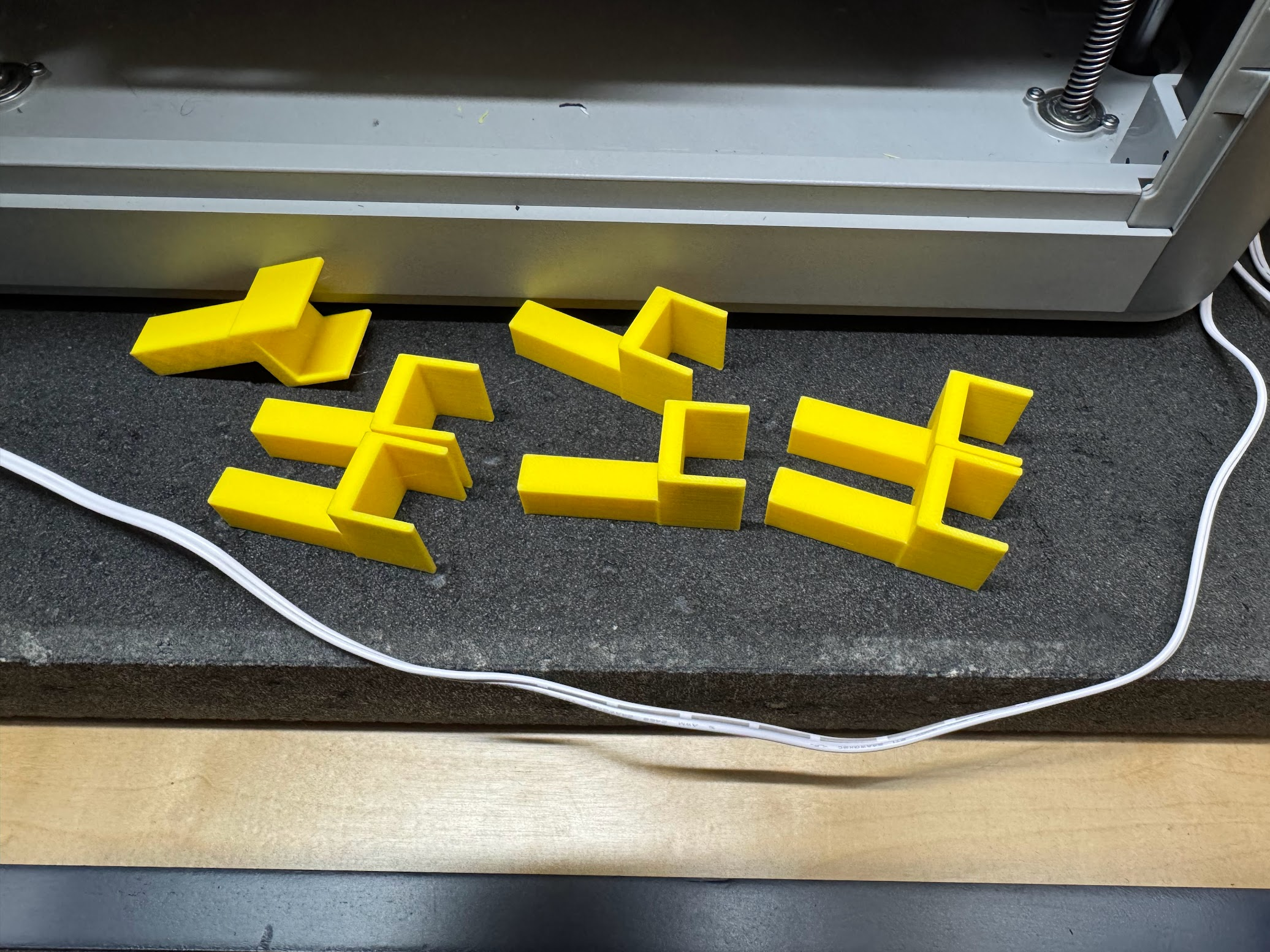
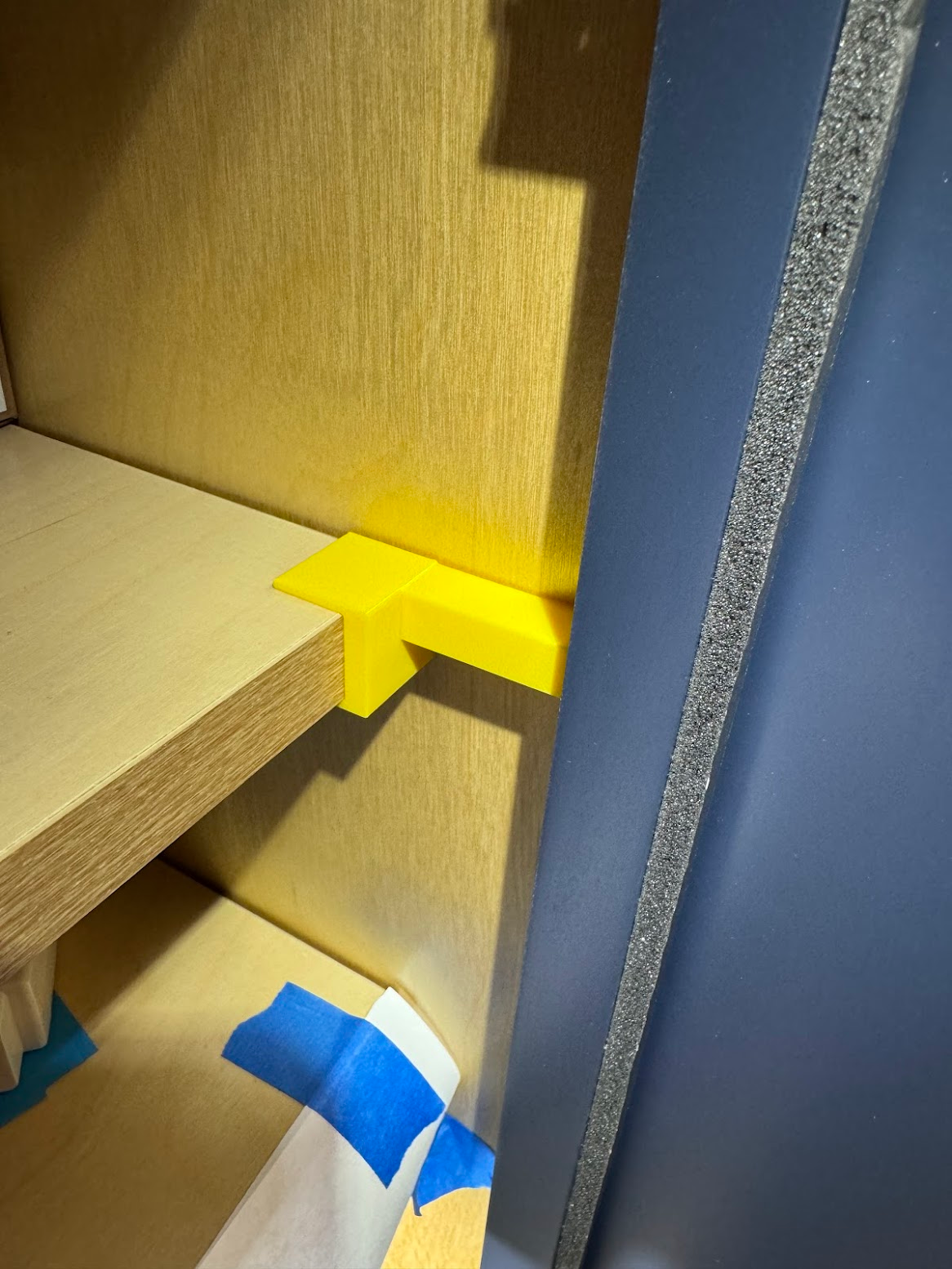
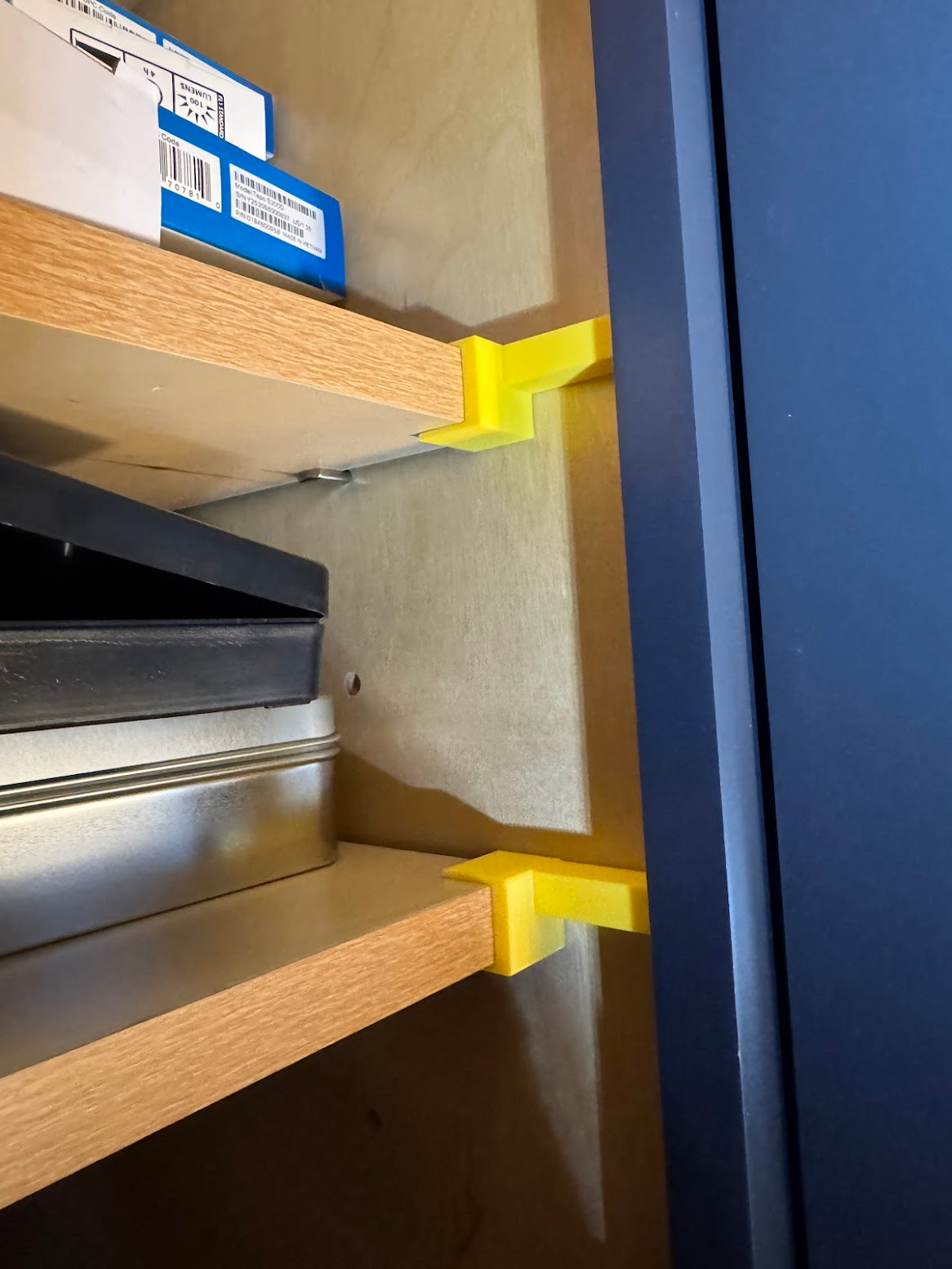
Shelf Stoppers#
Why they are needed: shelves rest on four pins, and if you slide a shelf forward, the rear edge of the shelf falls off the two back pins.
If a shelf loaded with junk is sitting above a printer — that’s trouble. A simple way to prevent this is to block the shelves from sliding forward.
Foam Seal Insulation#
To reduce noise, I not only nailed vinyl panels to the side and rear walls, but also glued winter draught-seal foam tape to the bottom doors.
Predictably, this affected convection and temperature.
Nothing to compare against yet, since there is no historical data.
Thermal Monitoring#
Bought and installed a bunch of temperature/humidity sensors.
After half an hour of printing, the temperature rose from a stable 23°C to almost 31°C.
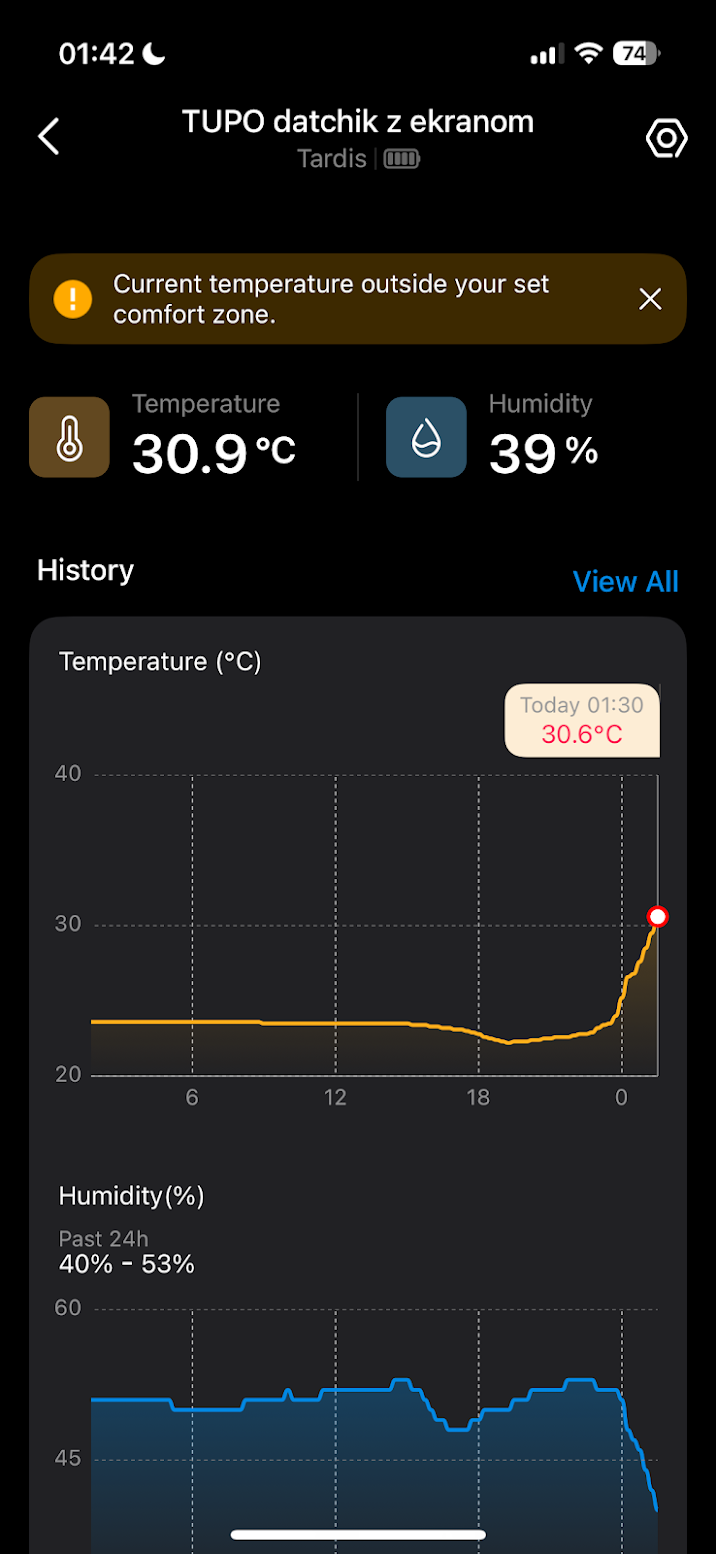
A brief airing brought the temperature down a little — waiting for the results of a 4-hour print.
Smarthoming#
Since alongside the sensors there are also smart plugs, and one can control the other — the idea is to dynamically switch the supply and exhaust fans on when it gets very hot (40°C, for example) and forcibly kill the printer when the temperature becomes critical (50°C, for example).